Why AI Incidents Hit Differently Than Standard IT Events
Most IT managers have a playbook for a ransomware hit or a compromised credential. The steps are well-worn: isolate the affected system, reset credentials, notify leadership, loop in counsel if data was exposed. AI-related incidents don’t map cleanly onto that playbook, and that gap is where organizations get into trouble.
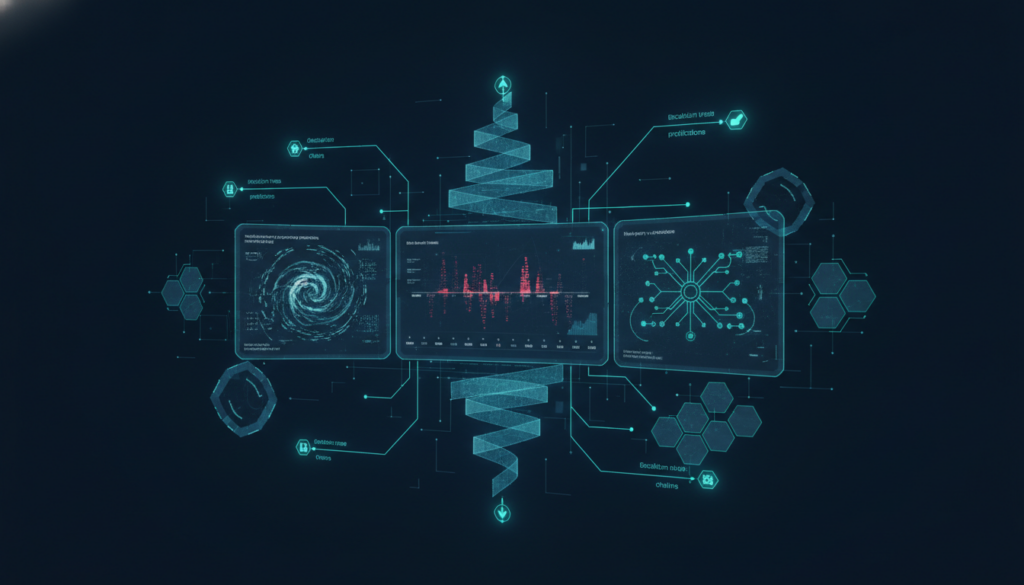
An AI incident can look like a lot of things. A customer-facing model starts producing outputs that are factually wrong or harmful. A third-party AI vendor discloses a breach that may have exposed the training data you contributed. An employee uses an AI writing tool to exfiltrate a draft contract by feeding it into a consumer app with no data retention controls. Each scenario involves a different affected system, a different type of harm, and a different notification calculus — and all of them can unfold faster than your normal escalation chain can keep up.
This guide is about what to do in the first 24 hours. Not the framework you should build eventually — the specific actions you should take today, in sequence, when something has already gone wrong.
—
Step 1: Contain the Damage Before You Diagnose It
The first instinct after an AI incident is often to understand it before acting. Resist that. Containment comes first, even when you don’t have a complete picture.
If the incident involves an AI tool producing harmful or unauthorized output, pull it from user access immediately. That might mean disabling an API key, revoking OAuth access to your environment, or simply turning off an integration in your SaaS stack. You don’t need to know exactly what caused the bad output to take the tool offline. Document the timestamp and the specific action you took.
If the incident involves a vendor breach — for example, a third-party AI service notifying you that their systems were compromised — your first move is to audit what data flows from your environment to that vendor. Pull your API call logs, check your data processing agreements, and determine whether any personal data, regulated information, or proprietary business data was in scope. Don’t wait for the vendor to tell you what was exposed. Start pulling that thread yourself.
If an unapproved AI tool was used to handle sensitive information, the containment question is: where did that data go, and can you stop it from going further? This is where the absence of an AI tool inventory becomes a real operational problem. If you don’t have a current register of which AI tools your organization is using — including the ones employees adopted without IT approval — you’re working without a map.
The goal of containment is to stop the bleeding, not to write the incident report. Get the system offline or restricted, document what you did and when, and move to assessment.
—
Step 2: Document Everything in Real Time for AI Incident Response
Most organizations document incidents after the fact, which means they reconstruct rather than record. In an AI incident, that distinction matters more than you’d expect. Regulatory frameworks including the EU AI Act and the NIST AI Risk Management Framework expect organizations to maintain contemporaneous records of incidents affecting high-risk AI systems. If you’re dealing with a system that touches hiring, credit, healthcare, or other regulated decisions, “we documented it later” is a weak position to be in.
As soon as containment actions are underway, open a dedicated incident log for this event. At minimum, capture:
- The date and time the incident was first detected or reported
- Who reported it and through what channel
- A plain-language description of what happened
- The AI system or tool involved, including the vendor and version if known
- The data types and approximate volume that may have been affected
- Every containment action taken, with timestamps
- Who has been notified internally, and when
This doesn’t need to be a formal document on day one. It needs to be a running log that someone is actively maintaining throughout the first 24 hours. Assign that to one person explicitly — not “the team.” In a smaller IT organization, ambiguous ownership means the log doesn’t get written.
If you’re logging this in a spreadsheet or a shared doc, that’s fine for now. The important thing is that you’re creating a durable, timestamped record, not relying on memory or Slack threads you’ll lose later.
—
Step 3: Assess Scope Before Deciding Who to Notify
Notification decisions are where organizations tend to either over-communicate (creating unnecessary alarm) or under-communicate (creating regulatory exposure). The right call depends on scope, and scope requires a quick but structured assessment before you start dialing.
For AI vendor risk specifically, the questions are: What data did this vendor have access to? Was it personal data subject to GDPR, CCPA, HIPAA, or another regime? Was it proprietary business information covered by a confidentiality obligation? Was it data belonging to your customers, employees, or a third party?
For an internal AI misuse incident — where an employee used a shadow AI tool inappropriately — the scope question shifts to: what data entered that tool, where does the tool’s privacy policy say that data goes, and do you have any basis to believe it’s recoverable or that exposure is ongoing versus one-time?
For a model producing harmful output, scope means understanding who saw it, whether it influenced any downstream decisions, and whether any regulatory body has jurisdiction over the output type. A model that generated a discriminatory hiring recommendation is a different regulatory exposure than a model that produced a factually wrong product description.
You won’t have perfect answers to these questions in the first 24 hours. You need enough of an answer to make a defensible notification decision. In most cases, the right sequence is: notify your legal counsel and senior leadership first, loop in privacy or compliance advisors if you have them, and then make external notifications based on that guidance rather than acting unilaterally.
If your organization has EU exposure and the incident involves personal data processed by an AI system, your GDPR data breach notification window — 72 hours to the supervisory authority under Article 33 — is already running from the moment you became aware. That clock doesn’t care that you’re still investigating.
—
Step 4: Stabilize and Decide on Continuity
Once containment is in place and notification decisions are moving through the right channels, you need to make a call about the affected system. Specifically: does it come back online, and if so, when and under what conditions?
For a vendor breach, the question is whether the vendor has remediated the underlying issue and what assurances they can provide. Don’t bring the integration back online based on a vendor’s PR statement. Get their incident report, understand what controls failed, and decide whether the risk profile of the tool has changed enough to require a formal re-evaluation before you reconnect.
For an internal AI misuse incident, the question is whether the tool involved is one you should be sanctioning, blocking, or replacing — and whether the employee involved needs additional training, a policy acknowledgment, or a more formal process.
For a model producing harmful output, you need to understand whether the problem is with the model itself (a fine-tuning issue, a prompt injection vulnerability, a guardrail failure) or with how your team is using it. Those have different remediation paths. A guardrail failure in a vendor’s model is a vendor problem; a misconfigured deployment is yours.
Document the stabilization decision the same way you documented containment. Future you — and future auditors — will want to know why you made the call you made, not just what the call was.
—
The Post-Incident Review: What to Do in the Week After
The 24-hour window closes with containment in place, documentation running, notifications initiated, and a continuity decision made. What happens in the week after determines whether this incident improves your posture or just gets filed away.
Schedule a post-incident review within five to seven business days while the details are still accessible. The review should cover four things: what happened and why, whether your existing controls would have caught this earlier, what gaps the incident exposed, and what specific changes you’re making before the next review.
That last item is the one most organizations skip. A list of lessons learned that doesn’t result in a concrete change to a control, a policy, or a tool register entry isn’t a review — it’s documentation for its own sake.
If this incident revealed that you don’t have a clear inventory of the AI tools your organization is using, that’s the gap to close first. You cannot assess vendor risk, enforce acceptable-use policy, or scope an incident response correctly if you don’t know what’s running in your environment. An AI tool register doesn’t need to be complicated to be useful — it needs to capture who owns each tool, what data it touches, and whether it’s been formally evaluated.
Do this week: If you don’t have a formal AI tool inventory, build one before your next incident forces the issue. Start with your IT-sanctioned tools, then survey department heads for anything they’ve adopted independently. You’ll probably find tools you didn’t know about — that’s the point.
InfoDefenders’ free AI tool register template gives you a structured starting point you can use immediately, without building from scratch. If your needs have grown past a spreadsheet, the AI Risk Assessor gives you a repeatable vendor risk workflow and a running inventory that stays current as your tool stack changes — see how the platform works and what each tier covers.
—
The Real Cost of Improvising AI Incident Response
AI incident response isn’t a niche edge case anymore. As AI tools spread through mid-market organizations — often faster than IT teams realize, often without formal vetting — the probability of an incident involving an AI system climbs alongside adoption. The organizations that handle those incidents well aren’t the ones with the most sophisticated response plans. They’re the ones that documented their tools before the incident, assigned clear ownership before the incident, and practiced the decisions they’d need to make before they had to make them under pressure.
The first 24 hours after an AI incident will either buy you time or cost you credibility. Which one depends almost entirely on the work you do before the incident happens.